Six renderers, one page
The problem
Building a new WebGL scene on every slide change leaks GPU memory and listeners if the old one lingers.
What I did
Gave each scene a create and dispose lifecycle so only the active slide has a renderer.
Case study

A seminar slide deck where every slide runs its own live Three.js scene.
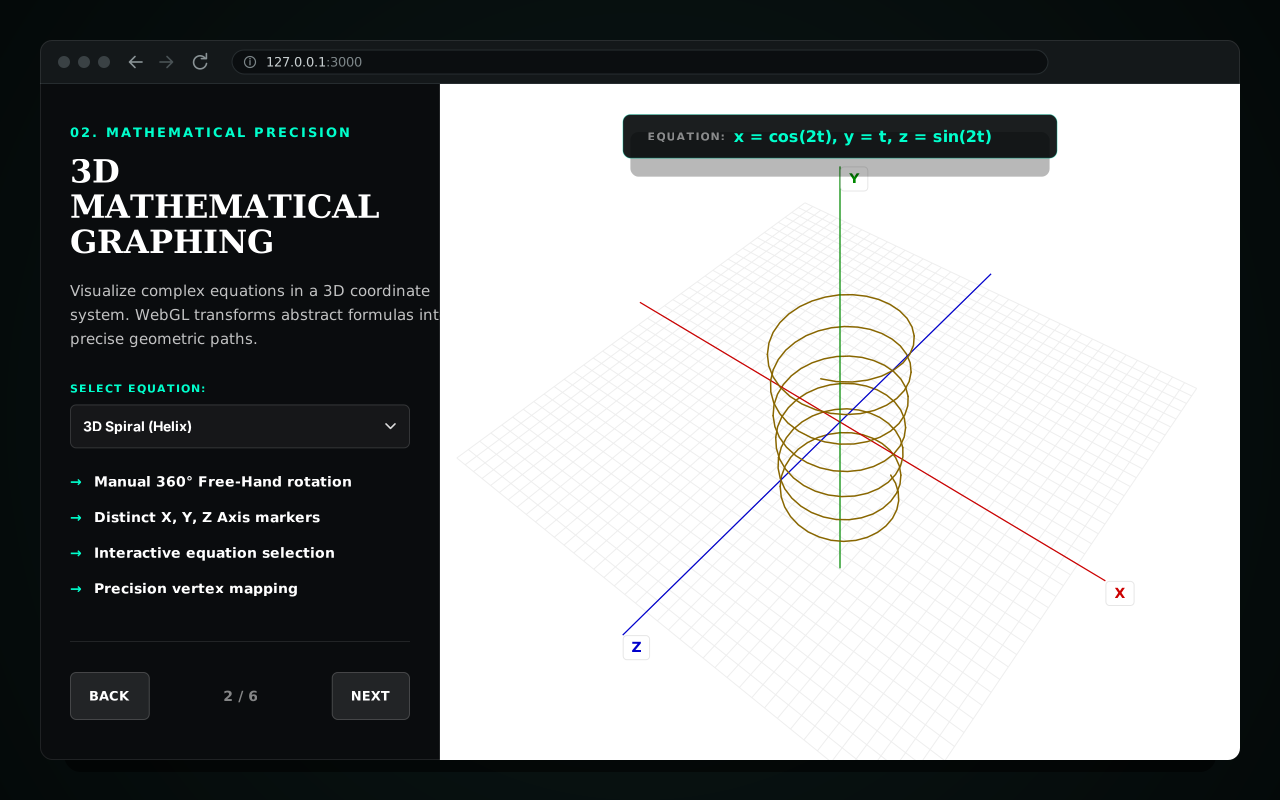
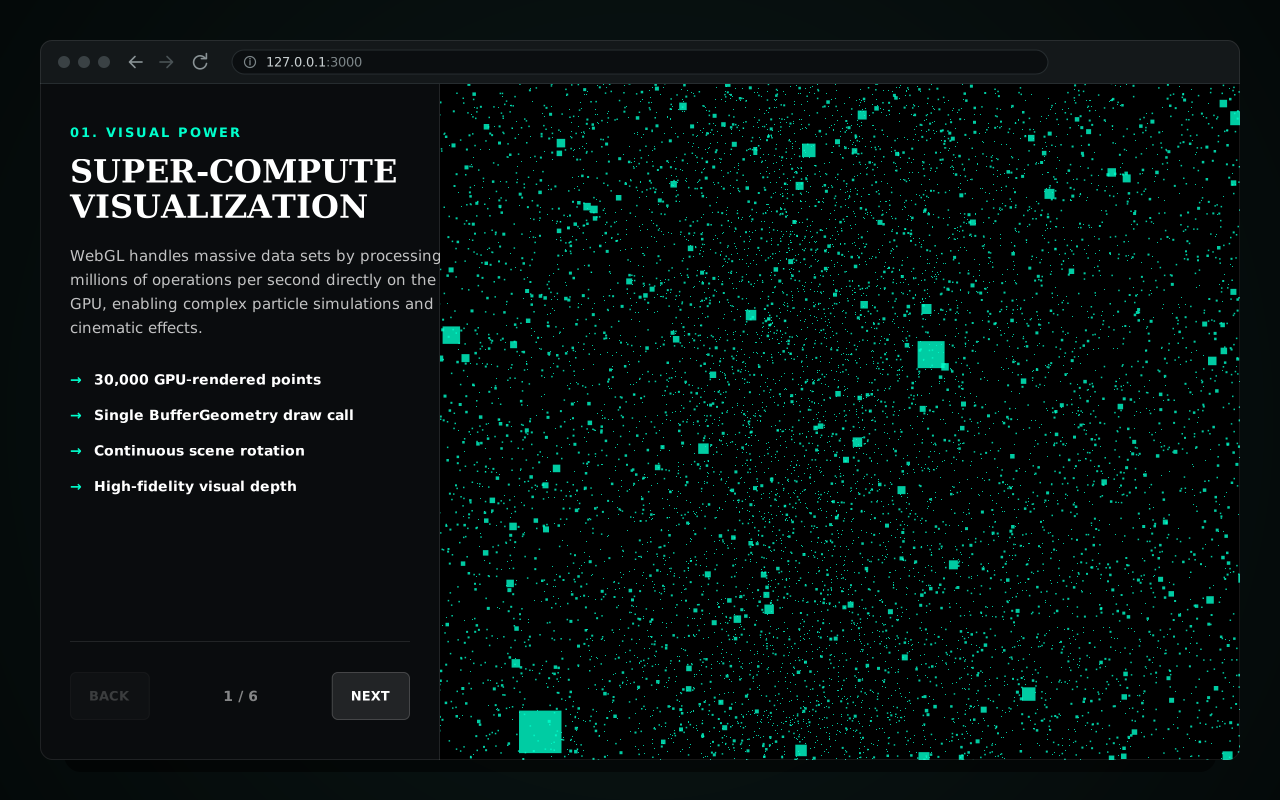
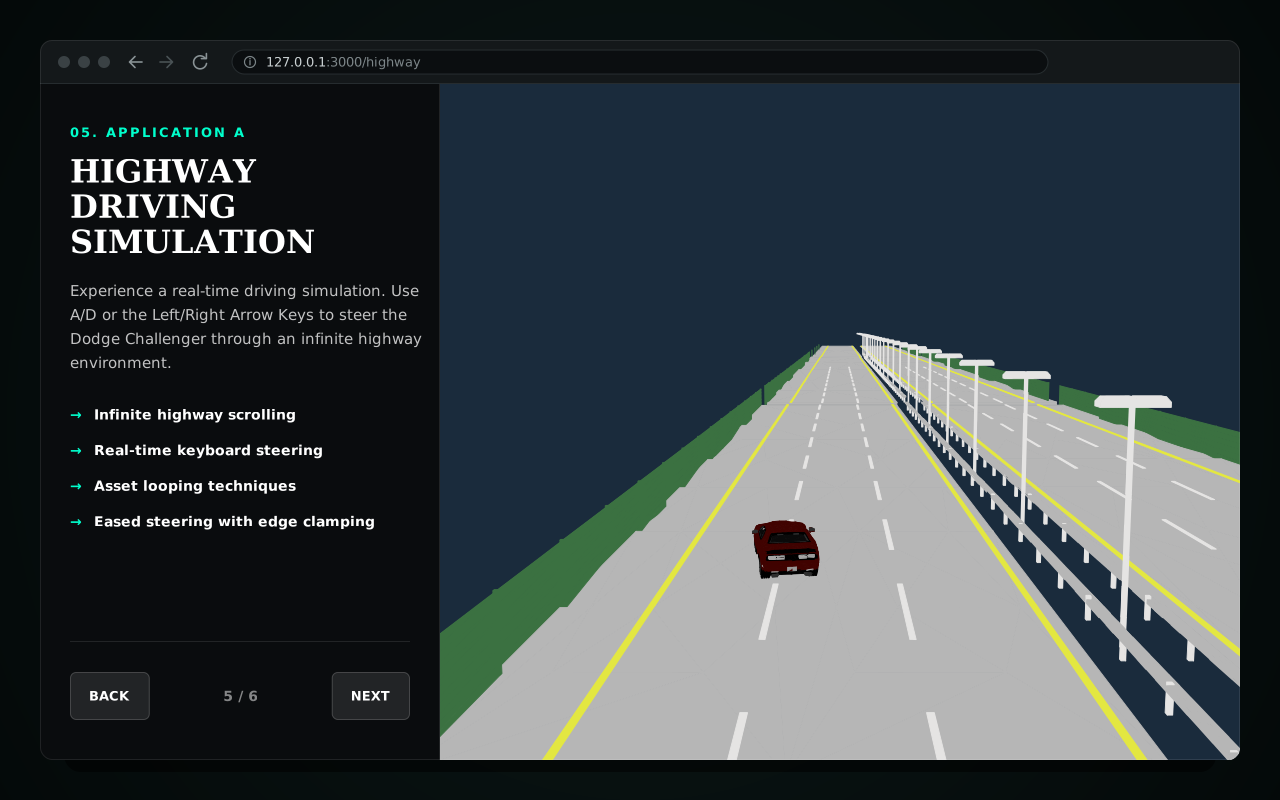
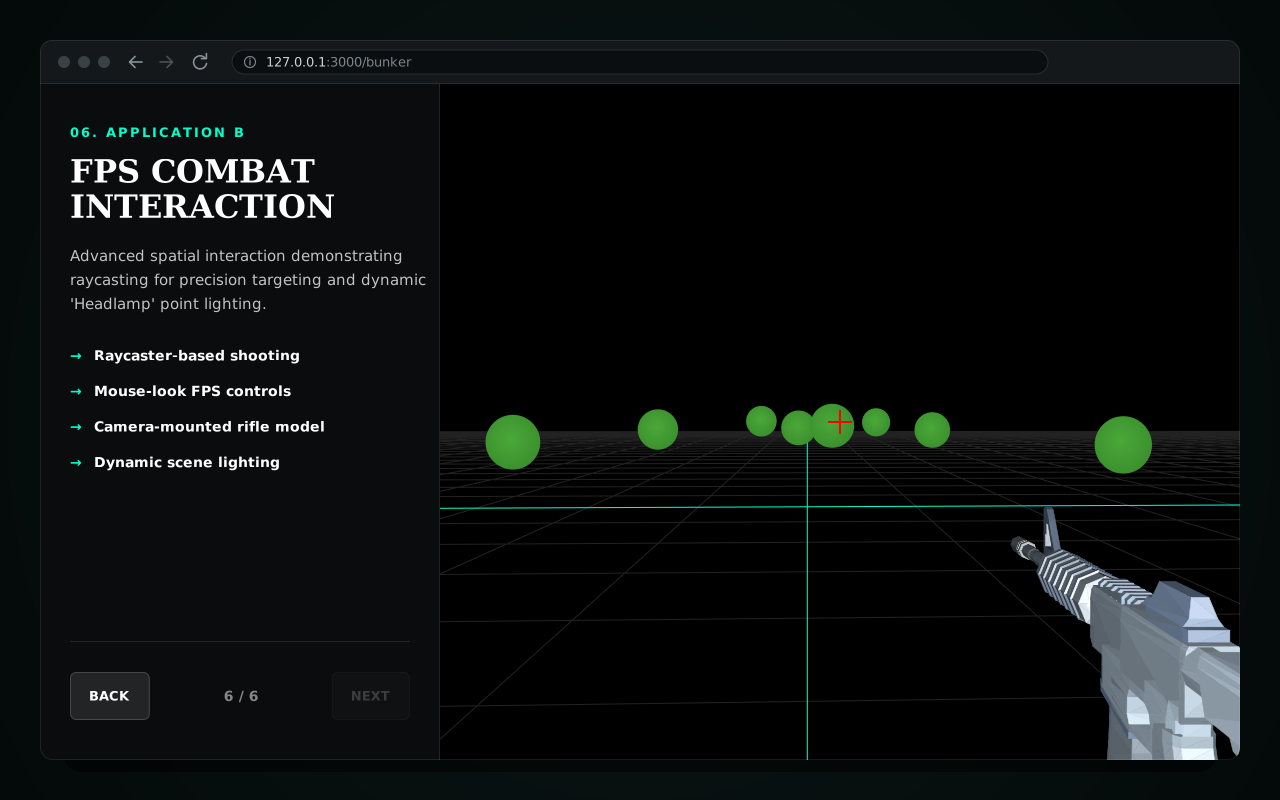
Screens are recreated from the app’s real UI with fictional demo data.
Slides about WebGL are more convincing when the slides themselves are WebGL, so each technique had to be demonstrated live rather than described.
Six slides each pair notes with a live canvas; every slide change disposes the old renderer and builds the next, and /highway and /bunker open straight on their demos for jumping mid-talk.
A Next.js page laid out like a slide deck for a graduate seminar on browser-based 3D visualization. A sidebar carries each slide's points while a full-height canvas runs that slide's Three.js scene: a 30,000-point cloud, a 3D equation plotter, an icosphere point cloud, GLB model loading, a highway driving demo and an FPS target-practice scene. The seminar paper and slides, which review three WebGL research papers, live alongside it.
One client component drives the deck: each slide pairs sidebar notes with a Three.js renderer created for that slide, and switching slides disposes the old renderer before building the next. The /highway and /bunker routes open the same deck on their slide. The seminar paper and slides sit in docs/.
The problem
Building a new WebGL scene on every slide change leaks GPU memory and listeners if the old one lingers.
What I did
Gave each scene a create and dispose lifecycle so only the active slide has a renderer.
The problem
The FPS slide listened on the whole window, so using the sidebar turned the camera and Back/Next fired a shot.
What I did
Scoped its input handling to the scene so the rest of the deck works normally.
The problem
An unclosed CSS rule swallowed the chart legend and axis-label styles on the plotting slide.
What I did
Closed the rule so the legend and X/Y/Z labels render as designed.
Six live slides
Point cloud, equation plotter, icosphere, GLB loading, highway and FPS scenes.
Build and styling fixes
Fixed the TypeScript build error and the CSS rule that hid the chart legend.