Case study

Vehicle Log System

Windows desktop application for vehicle service tracking and maintenance scheduling.

  • C#
  • .NET
The core problem

What needed solving

Operations teams needed a structured desktop tool to log vehicle records, track service history, and manage maintenance schedules on Windows without relying on web-based tools.

The solution

What I built

Provides a Windows-native WinForms interface backed by a Windows service for background operations, centralizing vehicle logs, service records, and scheduling into one local application.

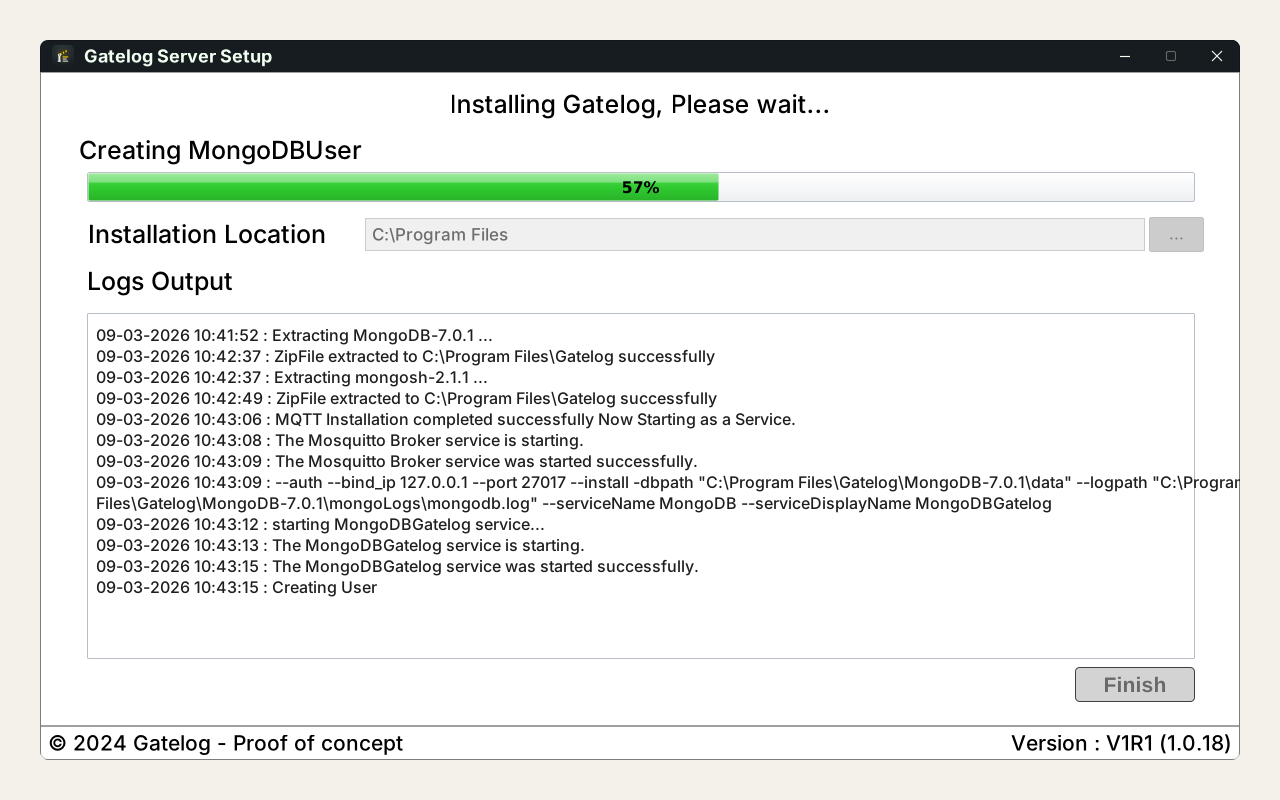
A C# WinForms desktop application for vehicle log management. Includes a Windows service component (via NSSM), service lifecycle management, and update management classes. Built with two primary form views for data entry and record management.

Integration

How it fits together

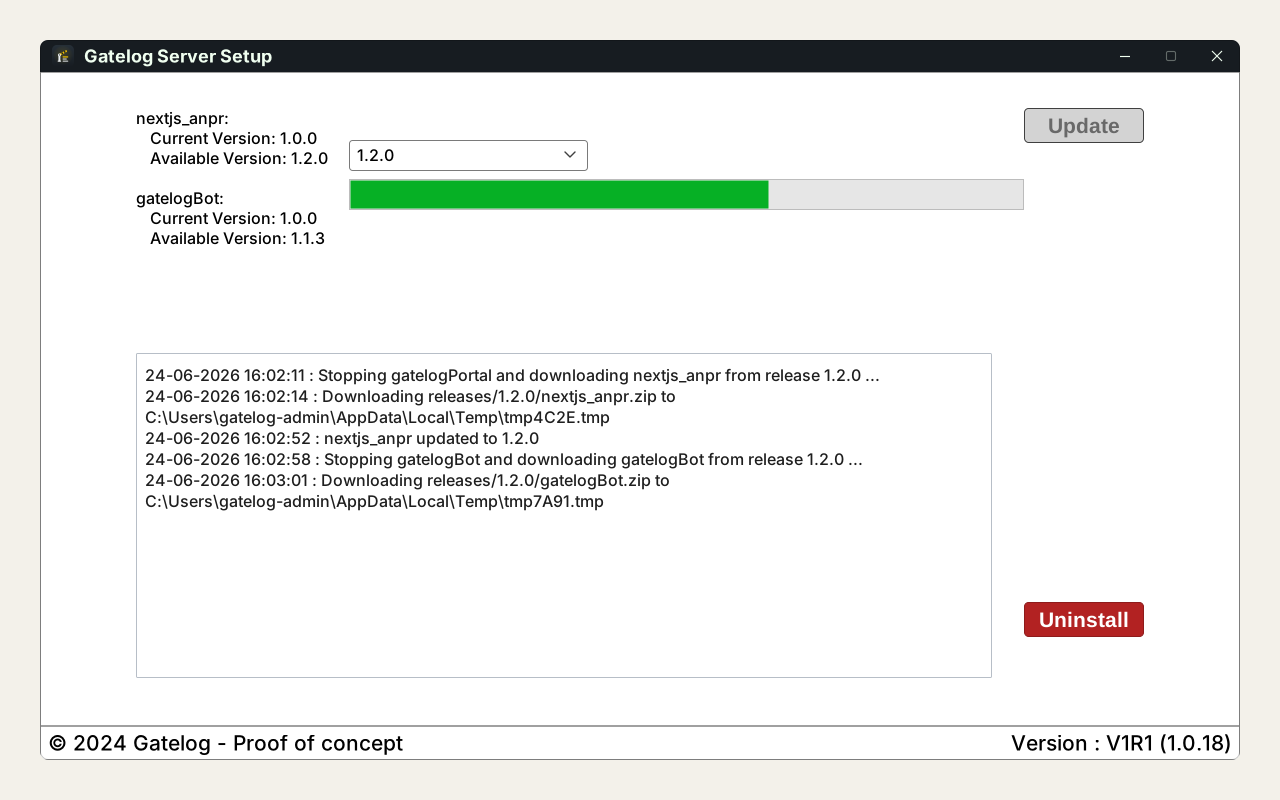
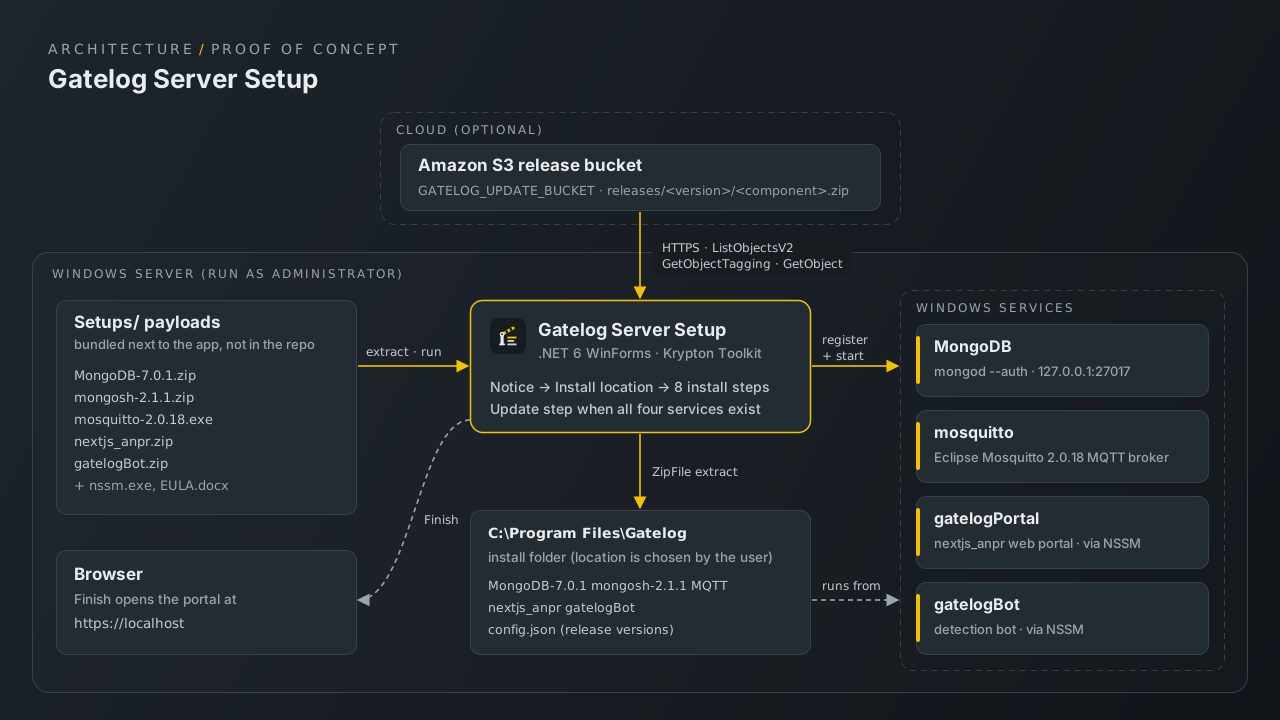
A C# WinForms front end handles record entry and management, while a Windows service (managed through NSSM) runs scheduled work in the background. ServiceManager and UpdateManager classes own the service lifecycle and updates.

The flow, step by step

  1. Launch the application on Windows and register vehicle records via Form1.
  2. Log service events and track maintenance history through the management views.
  3. The background Windows service (managed via NSSM) handles scheduled operations.
Problems along the way

What got hard, and what I did about it

Work that runs when the app is closed

The problem

Scheduled operations cannot depend on someone keeping a window open.

What I did

Split background work into a Windows service managed via NSSM.

Takeaways

What I learned

  • Separating the UI from background services keeps each simpler and more reliable.
  • Owning service lifecycle and updates in dedicated classes avoids scattered, fragile logic.
Outcome

Where it stands today

WinForms desktop application with two primary form views for vehicle data management.
Windows service integration via NSSM for background service lifecycle control.
ServiceManager and UpdateManager classes for structured service and update handling.

Milestones

  • Vehicle log UI

    WinForms interface with Form1 and Form2 for record entry and management.

    Shipped
  • Windows service layer

    Background service via NSSM with ServiceManager for lifecycle control.

    Shipped
  • Reporting and analytics

    Dashboard-level reporting not yet implemented.

    Planned

Next up

  • Add reporting views for service cost and maintenance history.
  • Introduce scheduled maintenance alerts.
  • Migrate to a database-backed persistence layer.